
Cov thev naus laus zis lees paub iris feem ntau ua tiav kev txheeb xyuas tus kheej los ntawm kev ntes cov yam ntxwv tshwj xeeb ntawm tib neeg iris, muab cov txiaj ntsig xws li qhov tseeb siab, qhov tshwj xeeb, kev ua haujlwm tsis sib cuag, thiab kev tiv thaiv kev cuam tshuam.Cov iav pom kev ntawm Irisfeem ntau yog siv rau hauv cov khoom siv hluav taws xob rau kev txheeb xyuas tus kheej thiab kev ruaj ntseg ntawm cov ntaub ntawv. Txawm hais tias tseem tsis tau siv dav, nws yuav tsum dhau los ua ib qho ntawm cov lus qhia tseem ceeb rau kev txhim kho yav tom ntej.
1.Kev siv cov lens lees paub iris hauv xov tooj ntawm tes
(1)Qhib lub xov tooj qhov screen
Cov iav tsom iav uas paub txog lub qhov muag (iris recognition lenses) siv tau los qhib lub xov tooj ntawm tes. Lawv txheeb xyuas tus neeg siv los ntawm kev luam theej lawv daim duab ntawm lub qhov muag, yog li qhib lub xov tooj thiab txhim kho kev ruaj ntseg thiab kev yooj yim. Lub hauv paus ntsiab lus ua haujlwm tseem ceeb yog raws li nram no: Lub koob yees duab pem hauv ntej ntawm lub xov tooj muaj lub iav tsom iav uas paub txog lub qhov muag. Thaum tus neeg siv saib ntawm lub vijtsam, lub iav yuav tso tawm lub teeb infrared (tsis txhob muaj teeb meem ntawm lub teeb pom kev zoo rau lub qhov muag), ntes cov qauv ntawm lub qhov muag thiab phim nws nrog cov ntaub ntawv uas tau khaws cia ua ntej.
Vim tias cov qauv ntawm iris ruaj khov thoob plaws lub neej thiab nyuaj rau rov ua dua, kev paub txog iris muaj kev nyab xeeb dua li kev paub txog cov ntiv tes, tshwj xeeb tshaj yog rau cov xwm txheej uas cov ntiv tes tsis yooj yim, xws li thaum tes ntub lossis hnab looj tes hnav.
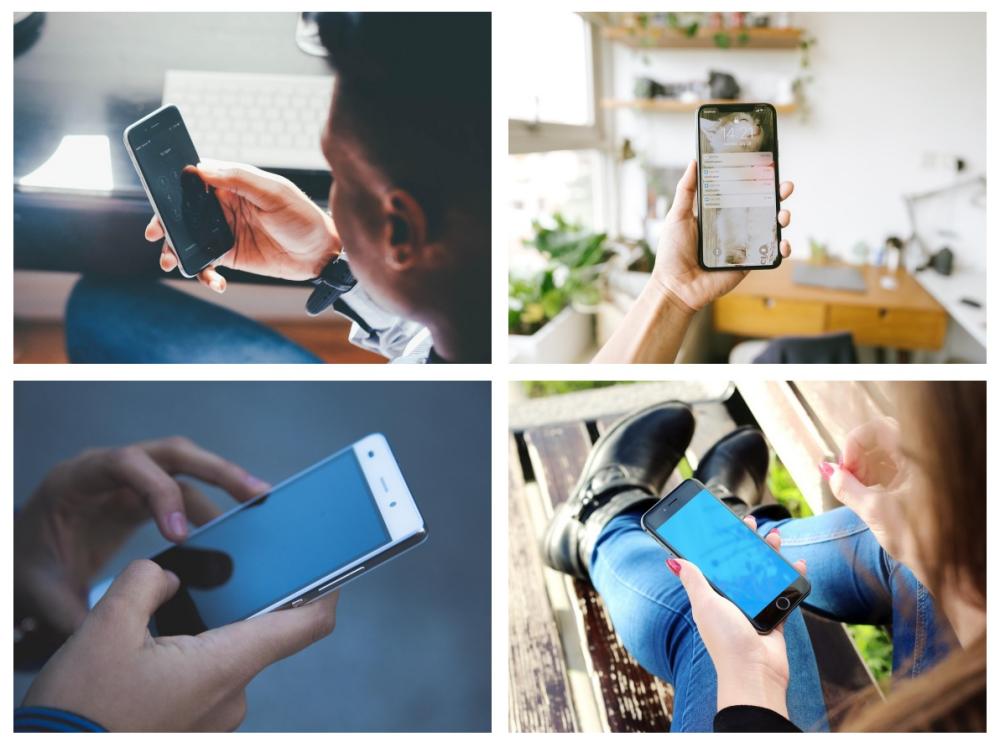
Cov iav iris paub txog feem ntau siv rau kev qhib lub xov tooj ntawm tes
(2)Encrypt cov ntaub ntawv lossis cov ntawv thov
Cov neeg siv tuaj yeem teeb tsa lub qhov muag xauv rau cov duab, cov yeeb yaj kiab, cov ntaub ntawv ntiag tug, lossis cov ntawv thov rhiab heev (xws li cov nkauj duab, software sib tham, cov apps txhab nyiaj, thiab lwm yam) ntawm lawv lub xov tooj kom tiv thaiv kev xau ntiag tug. Cov neeg siv tuaj yeem qhib lawv lub xov tooj sai sai los ntawm kev saib lub lens, tsis tas yuav nco ntsoov cov passwords, ua rau nws muaj kev nyab xeeb thiab yooj yim.
(3)Kev them nyiaj ruaj ntseg thiab kev txheeb xyuas nyiaj txiag
Cov iav pom kev ntawm Irissiv tau rau kev txheeb xyuas tus kheej thiab kev txheeb xyuas kev lag luam hauv kev hloov nyiaj hauv xov tooj ntawm tes thiab kev them nyiaj hauv xov tooj ntawm tes (xws li Alipay thiab WeChat Pay), hloov chaw password lossis kev txheeb xyuas ntiv tes. Qhov tshwj xeeb ntawm iris nta txo qhov kev pheej hmoo ntawm kev dag ntxias thiab ua kom muaj kev ruaj ntseg nyiaj txiag.
Ntxiv rau, qee lub xov tooj ntawm tes siv iris recognition los ua kom lub koob yees duab lub luag haujlwm tsom mus rau qhov zoo tshaj plaws, yog li txhim kho qhov tseeb ntawm cov duab portrait uas thaij nrog lub xov tooj.
2.Kev siv cov lens lees paub iris hauv cov khoos phis tawj
(1)Kev txheeb xyuas tus neeg nkag mus rau hauv lub system
Kev paub txog lub qhov muag tuaj yeem hloov cov password nkag mus rau hauv lub computer ib txwm muaj rau kev txheeb xyuas tus kheej sai thaum qhib lossis qhib lub computer. Qhov feature no twb tau siv rau hauv qee lub computer ua lag luam, muab kev ruaj ntseg zoo dua rau cov ntaub ntawv hauv chaw ua haujlwm.

Cov koob yees duab lees paub iris feem ntau siv rau kev txheeb xyuas kev nkag mus rau hauv lub computer system
(2)Kev tiv thaiv cov ntaub ntawv theem lag luam
Cov neeg siv tuaj yeem qhib iris encryption rau cov ntaub ntawv rhiab heev (xws li cov ntaub ntawv nyiaj txiag thiab cov ntaub ntawv code) lossis cov software tshwj xeeb ntawm lawv cov khoos phis tawj kom tiv thaiv kev nkag mus tsis raug cai. Kev txheeb xyuas Iris yog qhov yuav tsum tau ua thaum nkag mus rau hauv lub tuam txhab intranet, VPN, lossis cov ntaub ntawv zais cia kom tiv thaiv kev nyiag nyiaj. Qhov feature no feem ntau pom muaj nyob rau hauv cov khoos phis tawj siv hauv tsoomfwv, kev kho mob, thiab kev lag luam nyiaj txiag, feem ntau yog los tiv thaiv cov ntaub ntawv rhiab heev.
(3)Kev tiv thaiv kev ruaj ntseg ntawm kev ua haujlwm deb
Hauv kev ua haujlwm nyob deb, xws li thaum siv VPN, qhov tseeb ntawm kev sib txuas nyob deb tuaj yeem ua kom ntseeg tau; zoo sib xws, ua ntej lub rooj sib tham video, software tuaj yeem txheeb xyuas tus neeg koom nrog los ntawmkev paub txog iriskom tiv thaiv lwm tus kom tsis txhob ua txuj ua li tus account kom nkag mus rau cov rooj sib tham zais cia.
3.Cov kev siv ntawm cov iav lees paub iris hauv lwm cov khoom siv hluav taws xob
(1)Ntsehomeckev tswj hwm
Hauv cov ntawv thov hauv tsev ntse, kev paub txog iris tuaj yeem siv los tso cai rau lub qhov rooj xauv ntse, cov txheej txheem kev ruaj ntseg hauv tsev, lossis cov neeg pab suab, yog li tiv thaiv kev nyab xeeb hauv tsev.
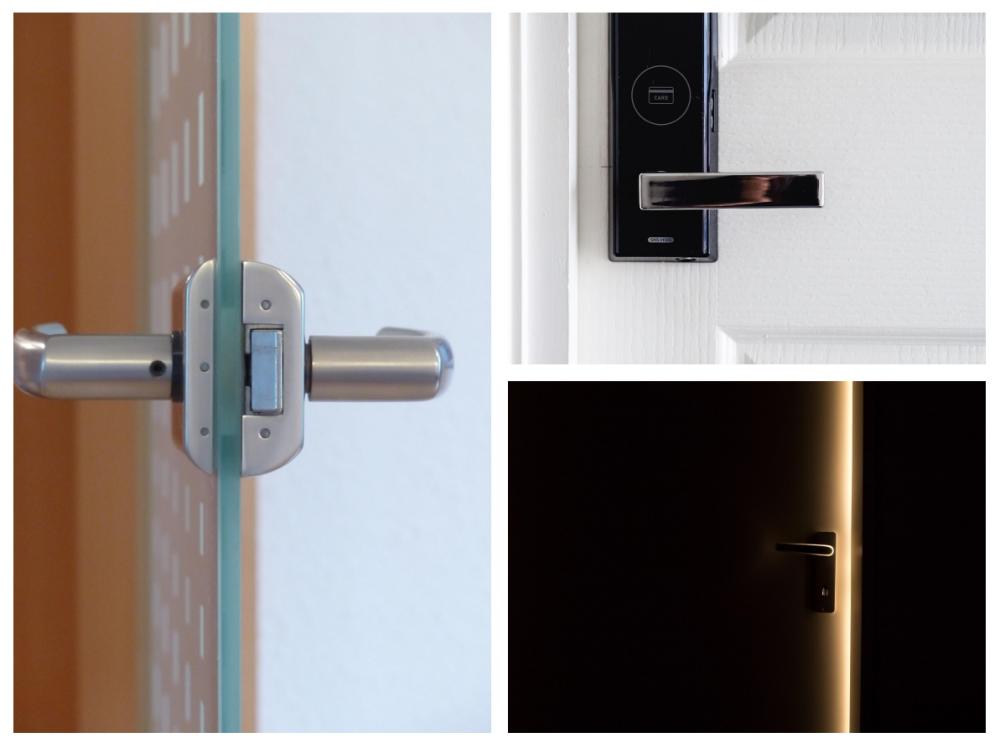
Cov koob yees duab lees paub Iris kuj tseem siv rau hauv cov khoom siv hauv tsev ntse
(2)Kev lees paub cov khoom siv kho mob
Hauv cov txheej txheem kho mob, kev paub txog iris tuaj yeem siv los txheeb xyuas tus neeg mob tus kheej thiab tiv thaiv kev ua yuam kev kho mob. Cov txheej txheem sau cov ntaub ntawv kho mob hluav taws xob hauv tsev kho mob kuj tseem tuaj yeem siv kev paub txog iris los xyuas kom meej tias cov kws kho mob tus kheej raug cai.
(3)Cov ntawv thov AR / VR
Hauv cov khoom siv AR/VR, kev sib xyaw ua ke ntawm kev paub txog iris tuaj yeem ua rau tus neeg siv hloov tus kheej lossis xa cov ntsiab lus raws li tus kheej.
Raws li tau qhia saum toj no, daim ntawv thov ntawmcov iav lees paub irisHauv cov khoom siv hluav taws xob xws li xov tooj ntawm tes thiab khoos phis tawj feem ntau yog raws li kev txiav txim siab txog kev ruaj ntseg, xws li kev them nyiaj thiab kev encryption. Piv nrog rau lwm cov thev naus laus zis biometric, nws muaj kev nyab xeeb thiab txhim khu kev qha dua, tab sis nws kuj muaj cov nqi siab dua thiab cov kev cai lij choj. Tam sim no, nws feem ntau siv rau hauv cov khoom siv siab thiab tseem tsis tau dav dav hauv kev ua lag luam. Nrog rau kev txhim kho thiab kev loj hlob ntawm cov thev naus laus zis, nws yuav pom kev nthuav dav ntxiv ntawm cov ntawv thov yav tom ntej.
Cov Lus Xaus:
Los ntawm kev ua haujlwm nrog cov kws tshaj lij ntawm ChuangAn, ob qho tib si tsim thiab tsim khoom yog ua los ntawm cov kws ua haujlwm txawj ntse. Raws li ib feem ntawm cov txheej txheem yuav khoom, tus neeg sawv cev ntawm lub tuam txhab tuaj yeem piav qhia ntxiv txog cov ntaub ntawv tshwj xeeb txog hom lens uas koj xav yuav. ChuangAn cov khoom siv lens siv rau ntau yam kev siv, los ntawm kev saib xyuas, kev luam theej duab, drones, tsheb mus rau cov tsev ntse, thiab lwm yam. ChuangAn muaj ntau hom lens tiav lawm, uas kuj tuaj yeem hloov kho lossis kho raws li koj xav tau. Tiv tauj peb sai li sai tau.
Lub sijhawm tshaj tawm: Lub Kaum Ob Hlis-05-2025


